Last Updated: June 21, 2026 | By the E3 Aviation Editorial Team
We’ll be straight with you. Reading PIREPs well is one of the highest-leverage skills a GA pilot can pick up. You can learn it in an afternoon. Forecasts tell you what the models think. PIREPs tell you what another pilot actually felt 20 minutes ago at your altitude. That’s the difference between planning around a SIGMET and planning around real bumps. A Bonanza driver just punched through them over your route.
Most pilots glance at PIREPs, see a wall of slashes and abbreviations, and move on. That’s a mistake. Once the format clicks, a raw PIREP reads as fast as a METAR. This guide walks through reading PIREPs the way an experienced cross-country pilot does it. What the fields mean. How to spot an urgent report at a glance. Where to find them on aviationweather.gov and in ForeFlight. And how to file your own without sounding scripted.
What a PIREP Actually Is (and Why It’s Different From a METAR)
A PIREP is a pilot weather report. Another pilot flew through something, called it in, and a flight service specialist or controller encoded it into the system. That’s it. Reading PIREPs gives you ground truth from someone who was just there.
Here’s why that matters. A METAR is an automated or human-coded surface observation. A TAF is a forecast. A SIGMET is a hazard warning issued by a meteorologist. None of those tell you what the air actually feels like at 7,500 feet right now. Only a PIREP does. That makes reading PIREPs the closest thing GA pilots have to real-time, altitude-specific weather.
The FAA defines PIREPs in AIM Chapter 7 as a primary in-flight weather source. They feed ATC, flight service, and other pilots. Controllers are required to solicit them when conditions warrant. Pilots are encouraged to volunteer them.
The Two PIREP Types You’ll See: UA vs UUA
Every PIREP starts with either UA or UUA. That two-letter prefix tells you how urgent the report is before you read another character.
UA means routine. Cloud bases, smooth or light chop, normal en-route weather. UUA means urgent. Reading PIREPs with the UUA prefix should grab your attention. Somebody hit something hazardous. Flight service classified it as a flight risk.
Per the FAA, a PIREP must be classified as UUA when it reports any of the following:
- Tornadoes, funnel clouds, or waterspouts
- Severe or extreme turbulence, including clear air turbulence
- Severe icing
- Hail
- Low-level wind shear with airspeed fluctuations of 10 knots or more
- Volcanic ash, eruptions, or sulfur gas detection
If you’re scanning a stack of reports along your route, sort or filter UUAs first. They’re the ones that change your go/no-go.

How to Read a Raw PIREP Line by Line
Here’s a real-looking PIREP, the kind you’ll see on aviationweather.gov or in ForeFlight:
BJC UA /OV BJC180020/TM 1815/FL085/TP C172/SK BKN075-TOP085/WX FV05SM HZ/TA 14/WV 27025/TB LGT CHOP/RM SMOOTH ABV TOPS
Reading PIREPs starts with the five mandatory fields. Every PIREP has them, in this order, and they’re the spine of the whole report.
- BJC — the nearest 3-letter station identifier, in this case Rocky Mountain Metro.
- UA — routine report. (UUA would mean urgent.)
- /OV BJC180020 — location, expressed as a radial and distance from BJC. This one is the 180 radial, 20 nautical miles south.
- /TM 1815 — time, in UTC. 1815 Zulu.
- /FL085 — altitude, in hundreds of feet MSL. 8,500 feet.
- /TP C172 — aircraft type. Cessna 172.
Now the optional fields. Not every PIREP has all of them, and the order is fixed.
- /SK BKN075-TOP085 — sky condition. Broken layer with bases at 7,500 MSL and tops at 8,500 MSL.
- /WX FV05SM HZ — weather. Flight visibility 5 statute miles in haze.
- /TA 14 — outside air temperature in Celsius.
- /WV 27025 — wind. From 270 degrees at 25 knots.
- /TB LGT CHOP — turbulence. Light chop.
- /IC — icing. (Not present in this report.)
- /RM SMOOTH ABV TOPS — pilot remarks.
Translated, that PIREP says this: a Cessna 172 sat 20 miles south of Rocky Mountain Metro at 8,500 feet. Cloud tops, 5 miles of hazy visibility, 14 C. 25-knot west wind. Light chop on top, smooth air above the layer. Most pilots can read that out loud in 15 seconds once the format clicks.
PIREP Cloud, Wind, and Temperature Fields Decoded
Three of the optional fields trip people up because they look denser than they are. Reading PIREPs gets faster when you stop parsing them character by character. Learn the shape of each field instead.
/SK — sky condition. Format is coverage + base – TOP + top altitude, all in hundreds of feet MSL. BKN075-TOP120 means a broken layer with the base at 7,500 and tops at 12,000. Multiple layers are separated by a slash: SCT040/BKN080-TOP120 means scattered at 4,000 and a broken layer from 8,000 to 12,000.
/WV — wind. Same format as a METAR wind, minus the trailing KT. 27025 means wind from 270 degrees at 25 knots. Always pilot-reported, so it’s a real measurement from a real cockpit, not a model interpolation.
/TA — temperature. Celsius, with M prefix for negative. TA M08 is minus 8 C. It’s helpful when you’re trying to figure out the layer above. Warm enough to shed ice? Cold enough to grow it?
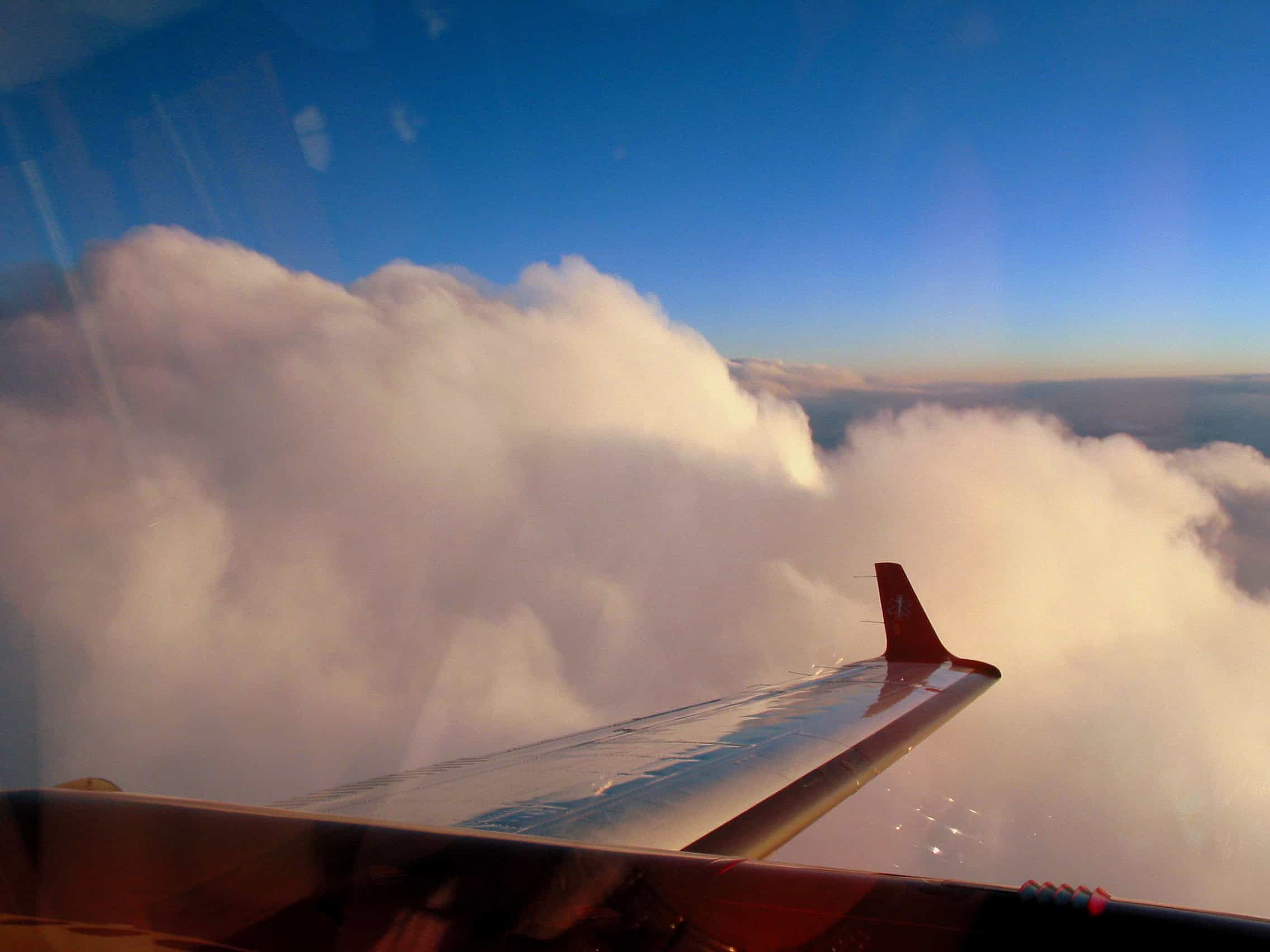
PIREP Turbulence Intensity — What Light, Moderate, and Severe Actually Mean
The /TB field uses four intensity words and they have specific FAA definitions. Reading PIREPs without knowing those definitions means you’re guessing how bad the bumps actually were.
Per AIM 7-1-23:
- Light turbulence — momentary, slight changes in altitude or attitude. You feel it. Nothing falls out of the seat pocket.
- Light chop — slight, rapid, rhythmic bumpiness. No appreciable altitude change. Most cruise pilots call this “a little choppy.”
- Moderate turbulence — definite strain against seat belts, unsecured objects move, walking is difficult, aircraft remains in positive control.
- Severe turbulence — large, abrupt changes in altitude or attitude. Aircraft may be momentarily out of control. Severe’s a UUA.
- Extreme turbulence — aircraft is violently tossed, practically impossible to control, may cause structural damage. Extreme is also a UUA.
Our take: in piston GA, “moderate” is the word that should make you reconsider an en-route altitude. “Severe” should make you reconsider the flight. If you see /TB MDT-SVR at your altitude along your route, climb, descend, or wait it out.
PIREP Icing Intensity — Trace, Light, Moderate, Severe
Reading PIREPs for the /IC field tells you what other pilots actually saw on the airframe. It’s the most direct icing signal in the system. The /IC field uses four intensities and two type descriptors. The intensities, per FAA definitions:
- Trace — ice becomes noticeable. Accumulation slightly greater than sublimation. Less than ¼ inch per hour.
- Light — requires occasional cycling of deicing systems. ¼ to 1 inch per hour on the unprotected wing.
- Moderate — requires frequent cycling of deicing systems. Roughly ¼ inch every 5 to 15 minutes.
- Severe — rate of accumulation exceeds the deicing system’s ability to remove it. 1 to 3 inches per hour. Exit the conditions.
The type descriptors are CLR (clear ice), RIME (rime ice), and MXD (mixed). A line like /IC LGT RIME 070-090 means light rime ice between 7,000 and 9,000 MSL. Severe icing is always a UUA. Most piston singles aren’t certified for flight in known icing. That means even light icing on a non-FIKI airplane is a problem worth turning around for. Our structural icing guide walks through why.
The PIREP Field Cheat Sheet Every GA Pilot Should Memorize
Reading PIREPs at speed comes down to recognizing the field codes without thinking. Here’s the compressed version we’d hand to a student pilot the night before a long cross-country.
- UA / UUA — Routine vs urgent. UUA is always your first read.
- /OV — Location. Either a 3-letter identifier, a radial/distance from one, or a fix-to-fix segment.
- /TM — Time in UTC. Mentally subtract for your local time zone and check the age.
- /FL — Altitude in hundreds of feet MSL.
FL085is 8,500.FL120is 12,000. - /TP — Aircraft type. A jet at FL350 saying “smooth” tells you nothing about your Cherokee at 7,500.
- /SK — Sky condition. Bases and tops in hundreds of feet MSL.
- /WX — Flight visibility and present weather.
FV03SM RAis 3 statute miles in rain. - /TA — Temperature in Celsius. M prefix means negative.
- /WV — Wind. Direction and speed, same as a METAR.
- /TB — Turbulence. Intensity plus duration (occasional, intermittent, continuous).
- /IC — Icing. Intensity and type (CLR / RIME / MXD), plus the altitude band if reported.
- /RM — Free-form remarks. The most useful field on a busy weather day. Read every one.
That’s the full field vocabulary. Reading PIREPs after a few days of practice feels less like decoding and more like skimming. The shape of each field tells you what you’re looking at before you process the contents.
One Trick That Speeds Up Reading PIREPs in the Cockpit
Most pilots try to read every field on every PIREP. Don’t. Filter for what matters for the next 30 minutes of your flight. At your altitude, your route, your aircraft category. Skip the rest. A 30-knot tailwind PIREP at FL350 is interesting trivia. A “moderate turbulence 070-090” PIREP 40 miles ahead at your altitude is a decision input. Train your eye to find decision inputs first.

How to Find PIREPs Before and During Flight
Reading PIREPs only helps if you actually look at them. Here’s where to find them in 2026.
Before takeoff. The cleanest source is the National Weather Service’s aviationweather.gov PIREP page. Their PIREP map plots every recent report as a clickable symbol. Click for the raw text and a decoded translation. Filter by altitude band, age, and type — turbulence and icing have their own icons. The Graphical Forecast for Aviation overlay shows PIREPs against forecast cloud and turbulence layers for quick context.
In ForeFlight and Garmin Pilot. Both apps surface PIREPs as overlays on the map and in the Imagery section. ForeFlight’s Maps PIREP layer color-codes routine vs urgent and lets you scrub the age. Our ForeFlight complete guide covers the PIREP layer specifically.
In flight. ADS-B In delivers PIREPs over FIS-B. They show up in ForeFlight, Garmin Pilot, and most panel-mount displays. The 1800wxbrief website also publishes PIREPs in real time via Leidos Flight Service.
Over the radio. If you’re talking to ATC or flight service, ask. “Cessna 12345, any PIREPs along the route at 8,500?” gets you a verbal summary on the spot.
How to File a PIREP Yourself (And Why You Should)
Reading PIREPs is half the loop. Filing one’s the other half. The system only works because pilots feed it.
The easiest in-flight method is the radio. Call Flight Watch on 122.0 if it’s still available. Call the local Flight Service Station. Or just tell the controller you’re working. “Center, Cessna 12345, PIREP.” They’ll take it. The format you give them is the same as the format you’d read on the map:
"Center, Cessna 12345, PIREP. Type Cessna 172. Over BJC, 180 radial 20, 8,500 feet, time 1815 Zulu. Broken layer base 7,500 tops 8,500. Light chop on top, smooth above. Visibility 5 in haze. Temperature plus 14."
If you can’t get it out in flight, file it on the ground via 1800wxbrief.com. Log in, click PIREP, fill the form, submit. Takes 90 seconds. The report joins the network and somebody else’s reading PIREPs decision tomorrow is informed by your report today.
Here’s the honest version: most GA pilots never file. Per a long-running NTSB safety alert, fewer than 1 in 100 GA pilots regularly file PIREPs. The pilots who do are punching above their weight in the system — they’re the ones the system runs on. Be one of them.
Common PIREP Mistakes That Make Reports Useless
Reading PIREPs reveals the patterns. Filing them well avoids them.
The most common mistakes we see:
- Reporting “negative” without specifics. “No icing” at what altitude, what aircraft, what cloud layer? Specifics turn a negative report into useful data.
- Reporting clouds without bases and tops. “Cloudy” is not a PIREP. “Tops 9,200” is.
- Calling chop “moderate.” If you can walk to the back, it’s not moderate. The FAA definitions matter — overreporting dilutes the next pilot’s planning.
- Filing 45 minutes late. PIREP value decays fast. File while you’re still in or near the condition.
- Saying “smooth” without giving altitude. Smooth at 11,000 doesn’t mean smooth at 6,500. Always pin it to your FL field.
Here’s a quick example. A good PIREP sounds like this. “Cherokee 180 at 5,500, smooth, tops 4,800, visibility 10, plus 22 C, no icing.” That’s 30 seconds of radio time. Every field is decision-grade data for the next pilot reading PIREPs on that route. A bad PIREP sounds like this: “Yeah, it’s pretty bumpy up here.” It’s useless. The receiving controller can’t encode it. The next pilot can’t act on it. You’ve burned ATC’s time without helping anyone.
What to Do With a Negative PIREP
Negative reports matter too. If you flew through a forecast icing band and didn’t pick up any ice, say so. “No icing” with altitude, aircraft type, and a temperature reading is a data point the next pilot needs. Same with turbulence. A “smooth” report at a specific altitude band cancels out a stale forecast. The Bonanza behind you can keep that altitude instead of climbing into the next layer.
Reading PIREPs in the Bigger Weather Picture
A single PIREP is a data point. Five PIREPs along your route is a story. Reading PIREPs as part of a full weather brief, not as a standalone, is how experienced pilots use them.
The pattern we recommend during cross-country planning:
- Pull the surface picture: METARs and TAFs along the route.
- Pull the synoptic picture: AIRMETs and SIGMETs, frontal positions, prog charts.
- Pull the pilot truth: PIREPs at and near your planned altitudes.
- Compare. If the AIRMET says moderate turbulence below 12,000 and three PIREPs at 8,500 along your route say “light chop only,” the forecast is conservative for your altitude. If PIREPs say “moderate” where the forecast says nothing, the forecast is behind.
That last comparison — forecast vs reality — is where reading PIREPs pays off the most. Models miss. Pilots don’t. The closer your planning loop gets to current PIREPs, the better your decisions get. Our VFR cross-country planning guide works the full sequence end to end. The fog forecasting guide and the thunderstorm avoidance guide show the same loop. Both apply it to two of the bigger GA weather killers.
Frequently Asked Questions About Reading PIREPs
How long is a PIREP valid?
There’s no formal expiration, but the practical value drops fast. A PIREP from the last hour at your altitude is gold. Anything older than 2 to 3 hours is closer to historical context than current condition. Filter by age on aviationweather.gov and trust the freshest report.
Why are some PIREP fields missing?
Optional fields only appear when the pilot reports them. If the /IC field is missing, it doesn’t mean no ice. It just means the reporting pilot didn’t mention ice. Reading PIREPs accurately means treating absences as “not reported,” not “not present.”
Can I file a PIREP if I’m just a private pilot?
Yes. Any pilot of any certificate level can file a PIREP, in any aircraft, at any time. Flight service doesn’t gate reports by rating or aircraft type. If you encountered weather, your report counts.
Read Next on E3 Aviation Association
- Reading AIRMETs and SIGMETs: The 2026 GA Pilot Guide
- Fog Formation and Forecasting for GA Pilots
- Thunderstorm Avoidance: The Complete GA Pilot Guide
- Structural Icing in Piston Singles
- Understanding Turbulence in General Aviation
- VFR Cross-Country Planning: The 2026 Guide
- ForeFlight: The Complete GA Pilot Guide
Become an E3 Aviation member. Reading PIREPs is one piece of the larger weather picture. It’s what every GA pilot needs to fly safer and smarter. Join E3 Aviation Association for member-only training resources, discounts on gear, and the strongest community in GA.
External References
- FAA AIM Chapter 7 Section 1 — Meteorology (PIREPs, turbulence, icing definitions)
- FAA Flight Services Order 7110.10 — Pilot Weather Reports
- Aviation Weather Center — PIREP Submission and Display
- Leidos Flight Service — 1800wxbrief PIREP filing
- NTSB Safety Alert SA-064 — Pilot Weather Reports: Pay It Forward