Three squawk codes can change everything about your flight — and every pilot flying today needs to have them memorized cold. Squawk 7700 declares a general emergency. Code 7600 signals radio failure — enter it when you lose communications. Squawk 7500 tells ATC you have a hijacking situation. You may never need any of them, but if you do, the last thing you want is to be fumbling for the reference card while the situation is deteriorating around you.
This guide breaks down each emergency squawk code, when to use it, how to set it, and what happens on the ATC side the moment you dial it in.
What Is an Emergency Squawk Code?
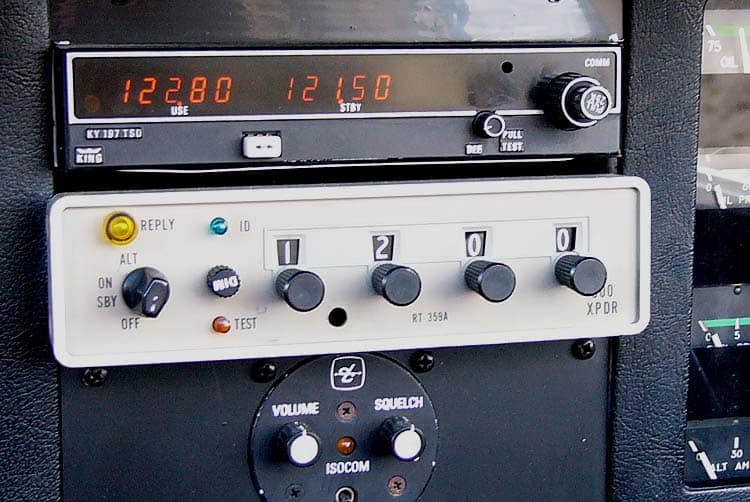
Every aircraft equipped with a Mode A or Mode C transponder communicates with ATC radar using a four-digit octal code called a squawk. Under normal VFR operations, your squawk code is assigned by ATC or defaults to 1200 for uncontrolled VFR flight. However, three specific codes are reserved internationally as emergency squawk codes — and these are recognized by every radar system in the world.
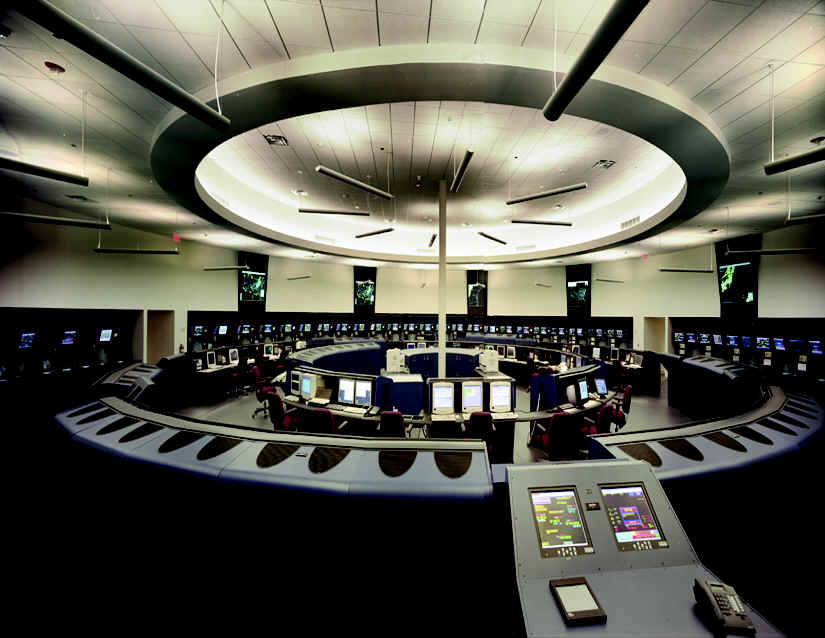
When you dial in an emergency squawk code, your transponder reply changes what ATC sees on their scope. Specifically, the target associated with your aircraft lights up differently — often with a flashing indicator, an alert tone, or special symbology depending on the facility’s radar system. Consequently, the moment you squawk emergency, controllers are aware of your situation even before you transmit a single word on the radio.
This is the critical takeaway: squawking an emergency code requires no radio communication. If your radio has failed, if you’re incapacitated and just managing to fly, or if you simply don’t have time to talk — the squawk alone gets you immediate priority handling from ATC.
Squawk 7700: Declaring a General Emergency
Squawk 7700 is the general emergency code. It covers any situation in which the safety of your aircraft or occupants is in jeopardy — engine failure, fire, medical emergency, fuel exhaustion, structural damage, or any other condition that requires priority handling and assistance from ATC.
Many pilots hesitate to squawk 7700 because they worry about the paperwork, the phone calls, or the appearance of overreacting. That hesitation costs lives. The FAA is explicit: declare early, declare often, and cancel if the situation resolves. No paperwork is required if the emergency is canceled before landing, and no certificate action results from a declaration made in good faith. Therefore, your threshold for squawking 7700 should be low.
When you squawk 7700, ATC will typically attempt to contact you immediately. If you have radio capability, advise them of your situation, your position, altitude, souls on board, and fuel remaining. If you don’t have time to transmit everything, say “MAYDAY MAYDAY MAYDAY” followed by your callsign and your problem. ATC will take it from there. Moreover, once you squawk 7700, approach and center facilities coordinate automatically — you won’t have to explain your situation to multiple controllers.
Squawk 7600: Radio Communication Failure
Squawk 7600 tells ATC that you have lost two-way radio communications — commonly called “NORDO” (no radio). This can happen from a failed radio, dead headset, blown circuit breaker, or even a disconnected mic cable. Regardless of the cause, the procedure is the same: set 7600 and follow the lost comms procedures applicable to your situation.
Under VFR, lost communications is relatively straightforward. Specifically, the regulations do not require you to land immediately if you lose radio contact while VFR. You should squawk 7600, continue to your destination under VFR, watch for light gun signals if you need to enter a controlled airport’s traffic pattern, and land normally. ATC will recognize 7600 on radar and coordinate your arrival accordingly.
Under IFR, lost comms is a more structured procedure covered by FAR 91.185. In summary, you squawk 7600, proceed along your route and altitude as per your last ATC clearance or the filed flight plan, and fly the highest of your expected altitude, assigned altitude, or minimum IFR altitude. Additionally, you begin your approach at the expect further clearance time or the estimated time of arrival, whichever applies. Knowing IFR lost comms procedures is required knowledge for your instrument rating — but VFR pilots benefit from understanding the basics as well.
Squawk 7500: Unlawful Interference (Hijacking)
Squawk 7500 signals unlawful seizure of the aircraft — in practical terms, a hijacking. This code is never set accidentally, because its consequences are immediate and significant. The moment 7500 appears on ATC radar, the facility notifies law enforcement, the TSA, and the military. Fighter aircraft may be scrambled depending on the situation and the airspace involved.
There are exactly two reasons to set 7500: your aircraft is actually being hijacked, or you inadvertently selected it while cycling codes. If ATC queries you about squawking 7500 and you set it by mistake, acknowledge immediately — controllers will accept “7500 was inadvertent” and ask you to set your correct code. However, do not cycle through 7500 unnecessarily while changing codes. Always skip it deliberately when dialing through the range.
Quick Reference: All Three Emergency Squawk Codes
| Code | Meaning | When to Use | Radio Call |
|---|---|---|---|
| 7700 | General Emergency | Any situation threatening aircraft or occupant safety | MAYDAY MAYDAY MAYDAY |
| 7600 | Radio Failure (NORDO) | Two-way radio communication is lost | N/A — radio is out |
| 7500 | Hijacking / Unlawful Interference | Aircraft is being seized against pilot’s will | Covert — avoid alerting threat |
When and How to Use an Emergency Squawk Code
Setting an emergency squawk code takes approximately three seconds on a standard transponder — find the knob, dial in the four digits, confirm. Practicing this on the ground before you need it in the air is time well spent. Most flight instructors will include emergency squawk procedures in ground briefings, but not all do. Therefore, make sure you know exactly how to access your transponder and set codes quickly.
For 7700 and 7600, set the code first, then communicate if you have radio capability. For 7500, set the code and continue flying normally while avoiding any action that might alarm a threatening person. ATC will attempt to contact you; under hijacking protocols, you may receive a discrete acknowledgment signal that requires no overt response from you.
One important note: squawking an emergency code does not commit you to anything permanent. You can cancel a 7700 emergency by notifying ATC and returning to your normal squawk. Specifically, when the situation resolves, simply tell ATC “cancel emergency” and request your original code. Similarly, 7600 is canceled by restoring radio communications and advising the controller. The system is designed to be flexible, because emergencies sometimes resolve — and ATC needs to know when yours has.
What ATC Does When You Squawk an Emergency Code
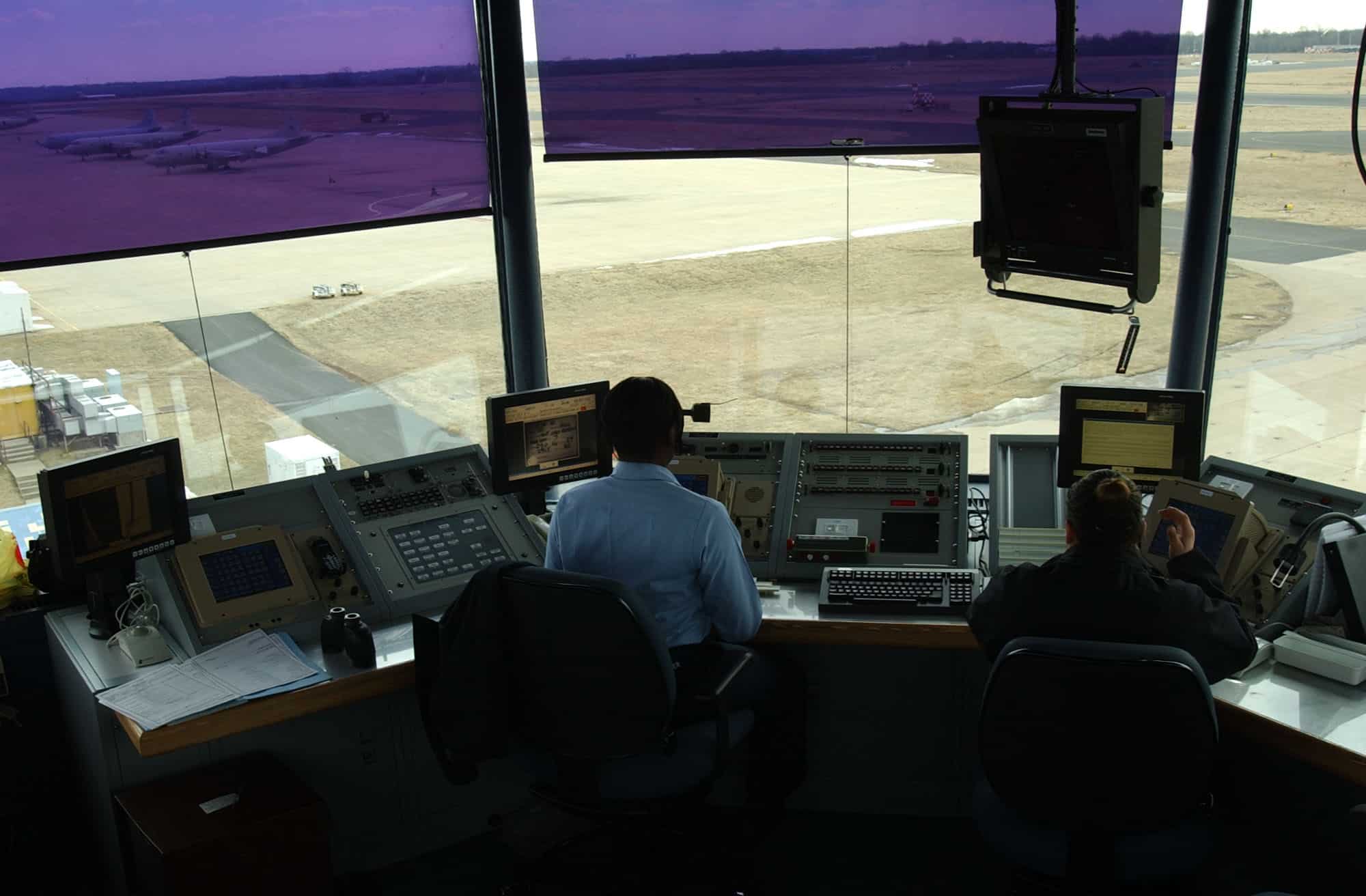
Understanding what happens on the other side of the transponder helps you work the system more effectively when you need it most. When your emergency squawk code triggers on radar, the controller’s display immediately flags your target. At most facilities, an automated alert sounds and the supervisor is notified simultaneously.
For a 7700, the radar controller will attempt radio contact, broadcast your position to adjacent facilities if needed, coordinate with approach or center for traffic separation, and contact emergency services if you report that you need them on the ground. Additionally, they will clear traffic from your intended route and priority-sequence you for any runway you need.
For a 7600 NORDO situation, controllers will hold traffic away from your likely route, issue light gun signals if you arrive at a towered airport, and coordinate your arrival with adjacent facilities. Ultimately, the entire system is designed to help you land safely — your job is simply to keep flying the airplane and follow standard NORDO procedures.
The most important thing to remember is this: ATC is on your side the moment you declare. Use the system. Declare early. Squawk early. The administrative consequences of an emergency declaration are trivial compared to the outcome of flying alone into a deteriorating situation without help.
Fly Safer. Fly Smarter. Join E3 Aviation.
E3 Aviation Association delivers the practical, pilot-to-pilot content that keeps you sharp and current — from emergency procedures to ownership, weather, and everything in between. Join E3 Aviation Association today.